TBVehicleLockSystem
Ratings and reviews
Changelog
Version: 1.6.1
fix pack issue
Version: 1.6.0
Changelog
Added
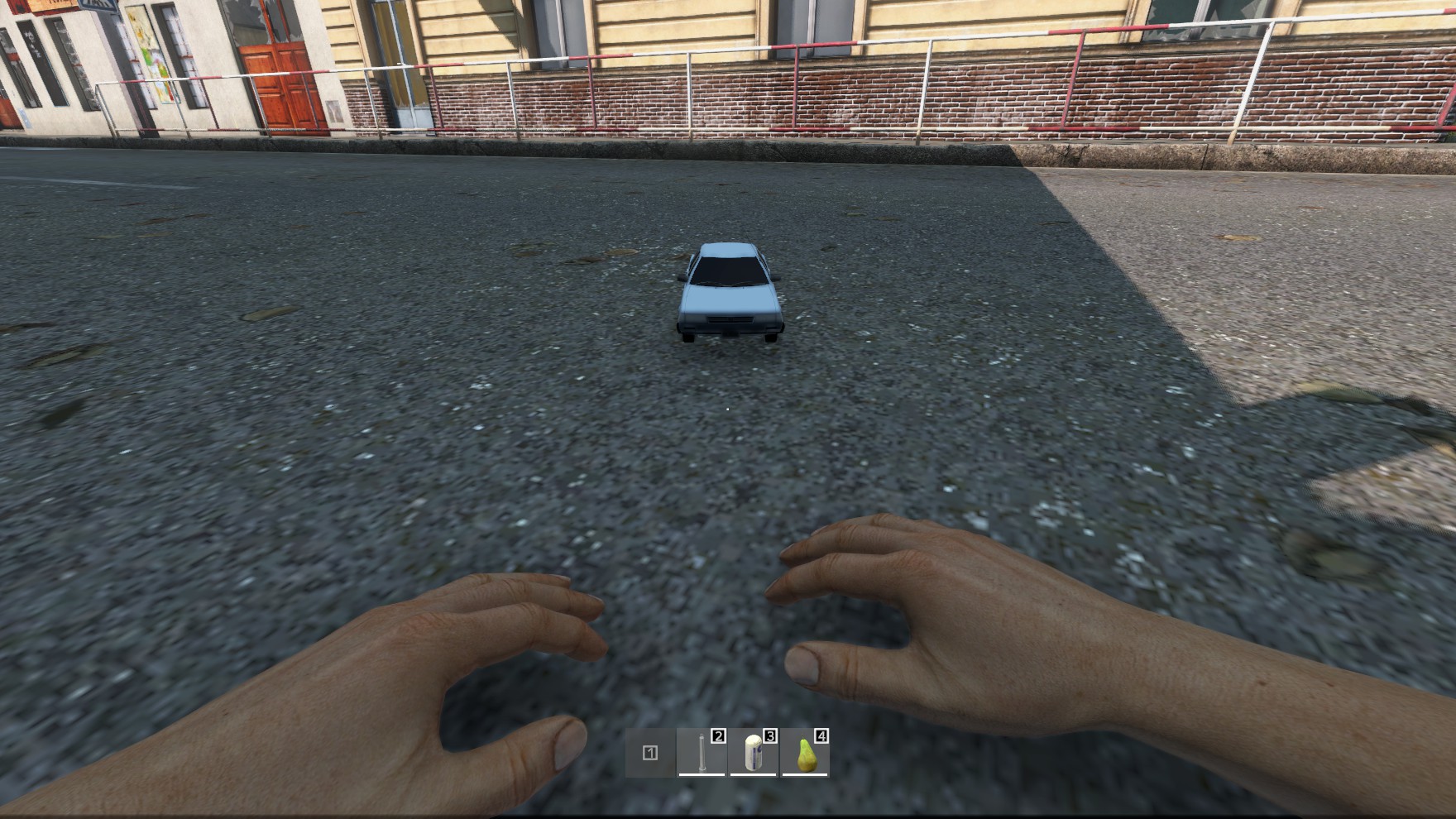
- Throw to unpack: Packed vehicles can now be thrown like a grenade. Once the package lands, the thrower gets a progress bar and has to stand still; when it completes, the vehicle is unpacked where the package lies, facing the direction the player is looking.
- New config options in
PackVehicleConfig.json(config version is migrated automatically to3):canUnpackByThrowing(default1) – enables/disables unpacking by throwing.throwUnpackTimeInSeconds(default60) – how long the thrower has to wait after the package landed.
- New translations:
UnpackProgress,unpack_vehicle_cancelled.
Behavior
- Unpack blacklist areas also apply to thrown packages (checked on landing and again before unpacking).
- The unpack is cancelled, and the thrower gets a message, if anyone picks up the package, puts it into a container or places it somewhere else while the progress bar is running.
- If the thrower closes the progress bar themselves (ESC or moving away), the unpack is aborted silently. The package is then a normal item again and moving it no longer triggers a cancel message.
- Throw unpacks are logged like regular unpacks (
logVehicleUnpack/logVehicleUnpackToDiscord).
Version: 1.5.0
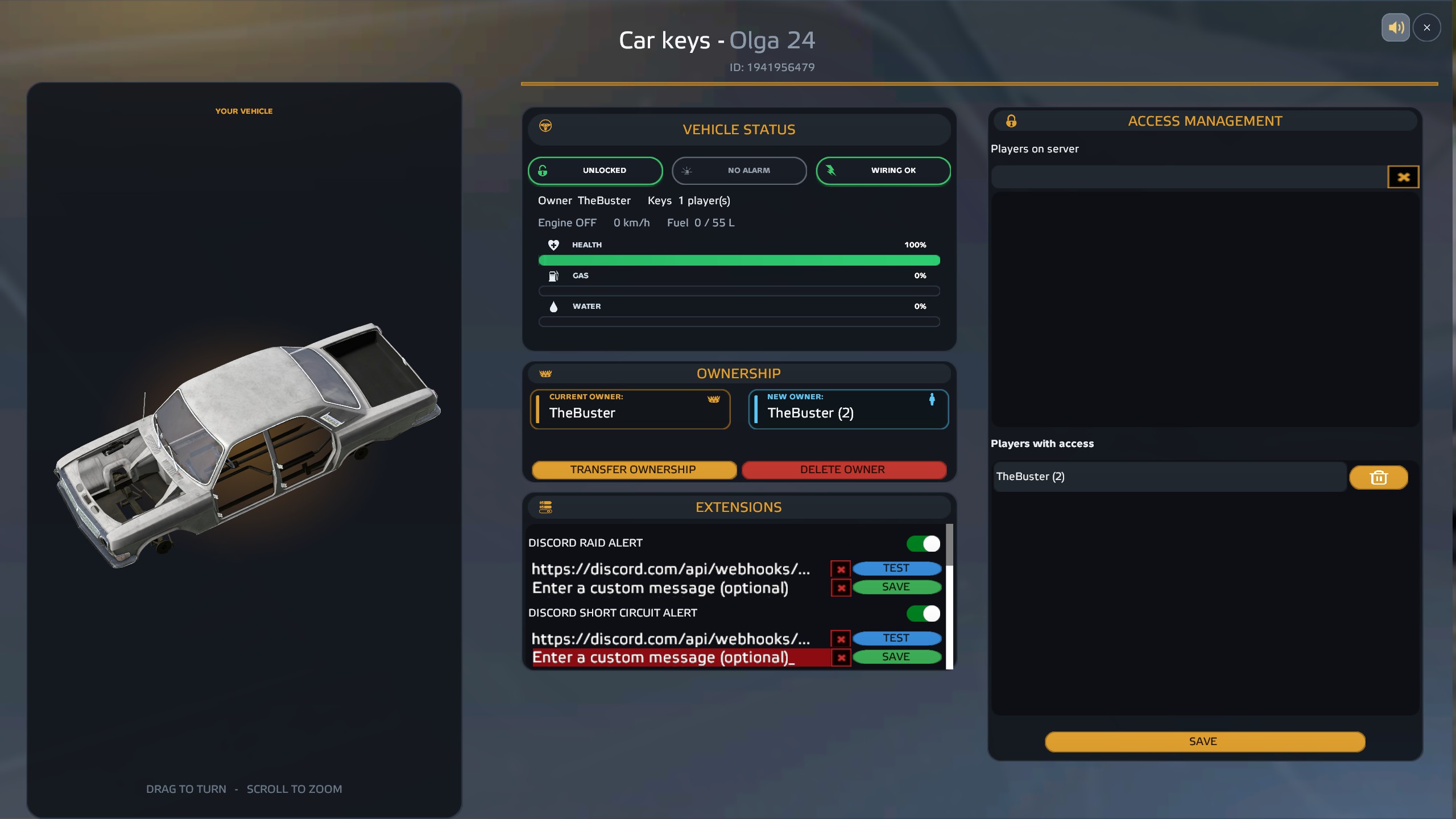
New design for the vehicle menu 🎨 The whole vehicle menu, the player lists, the extensions and the context menu now have a new, modern design.
New in the vehicle menu
- Status at a glance: Colored indicators for:
- 🔒 locked / unlocked
- 🚨 alarm active / armed / no alarm
- ⚡ wiring OK / short-circuited
- Live info: Owner, number of key holders, engine on/off, speed and fuel level in liters
- Animated bars for health, fuel and coolant with a percentage display
- Vehicle preview: Zoom in and out with the mouse wheel.
- Switches instead of checkboxes for group access and extensions ⚠️ Requires the latest TBLib update. Please update both mods together.
Version: 1.4.0
Feature
- make server methods available class TBVLSVehicleHelper static void OwnCar(Transport transport, PlayerBase player, bool forceChange) {} static void RemoveOwner(Transport transport) {} static void ChangeOwner(Transport transport, string receiverId, string receiverName) {}
Version: 1.3.0
Improvements
- license system has been improved
Requires min. TBLib 5.37.0
TBVehicleLockSystem — Feature List
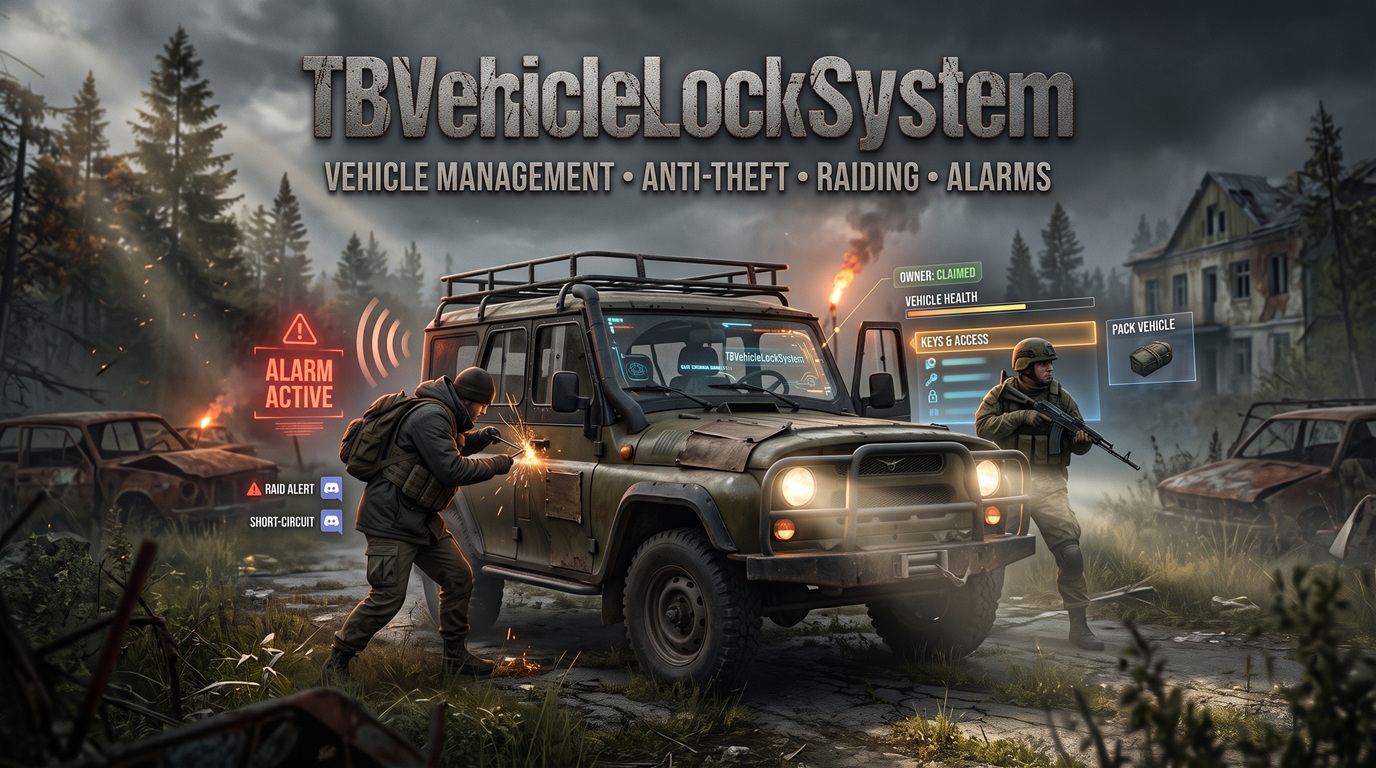
TBVehicleLockSystem is a vehicle ownership and security mod featuring locking, key sharing, raiding mechanics, and full admin audit logging.
Vehicle Locking & Ownership
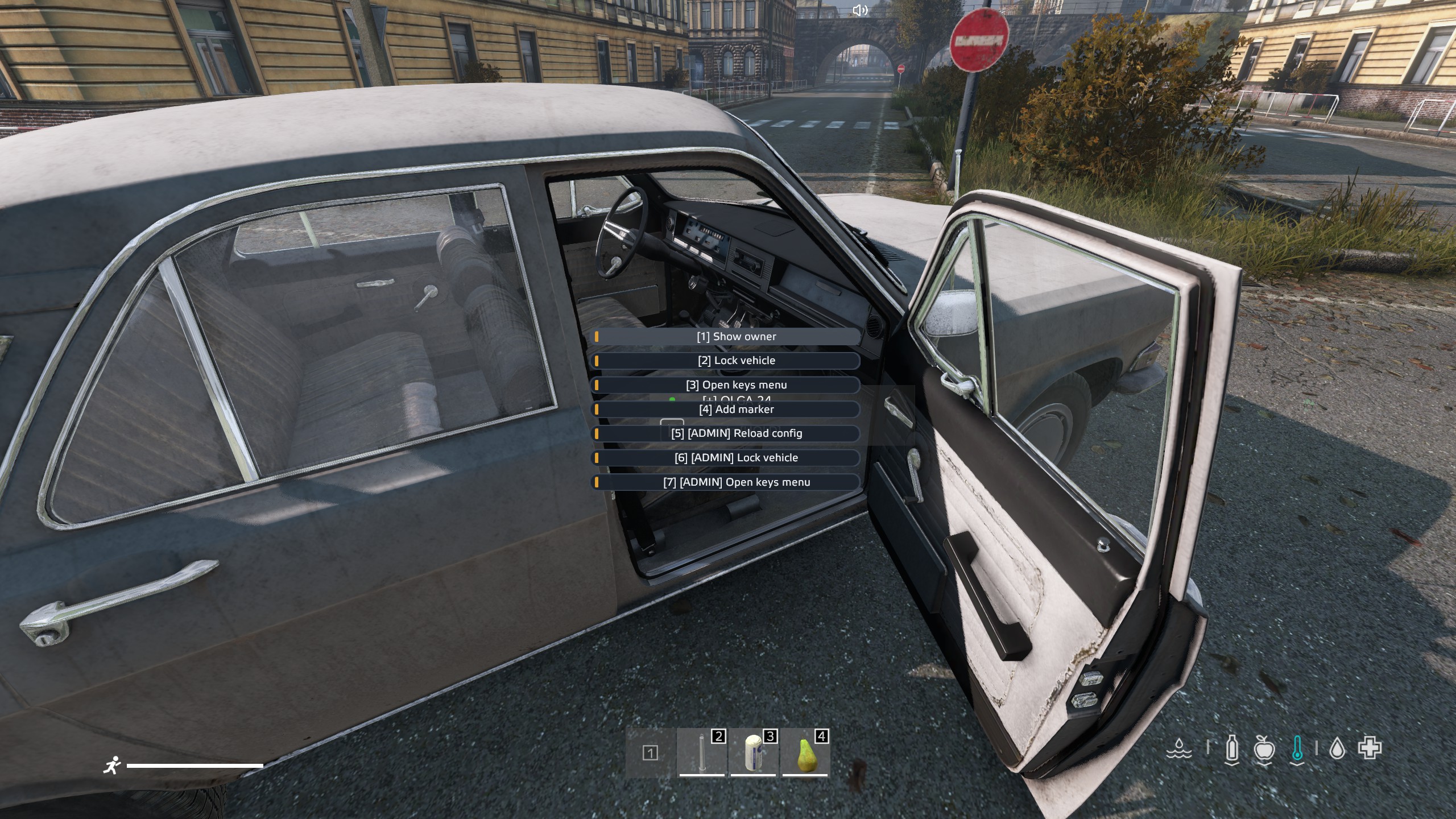
- Any player can claim an unowned vehicle as their own via Own vehicle in the vehicle context menu.
- The owner (and anyone granted key access) can lock and unlock the vehicle from the context menu.
- While a vehicle is locked, its inventory (cargo and attachments) isn't shown to anyone — not even the owner or key holders; it has to be unlocked first.
- Every context menu entry can also be triggered with the number keys: entries are numbered
[1]–[9], and the 10th entry is[0]. - Anyone can check who currently owns a vehicle ("Show Owner").
- Owning a vehicle opens a full car-management menu (owner-only, vehicle must be unlocked) showing the vehicle's name/ID, live health, fuel and coolant status bars, status indicators (locked/unlocked, alarm state, short-circuited wiring, owner and key count, engine/speed/fuel), and a 3D preview that can be rotated by dragging and zoomed with the mouse wheel. From here the owner can:
- Transfer ownership to another player.
- Grant or revoke key access for any player, saved as a list.
- Enable group access (optional, Advanced Group from LBMaster required): lets everyone in the owner's in-game group use the vehicle without being individually keyed. The currently assigned group's name is shown right next to the toggle.
- Admins can force-lock/unlock any vehicle, open any vehicle's car menu, delete a vehicle's owner entirely (clearing all keys and access), and reload the mod's configuration live without restarting the server.
Vehicle Marker
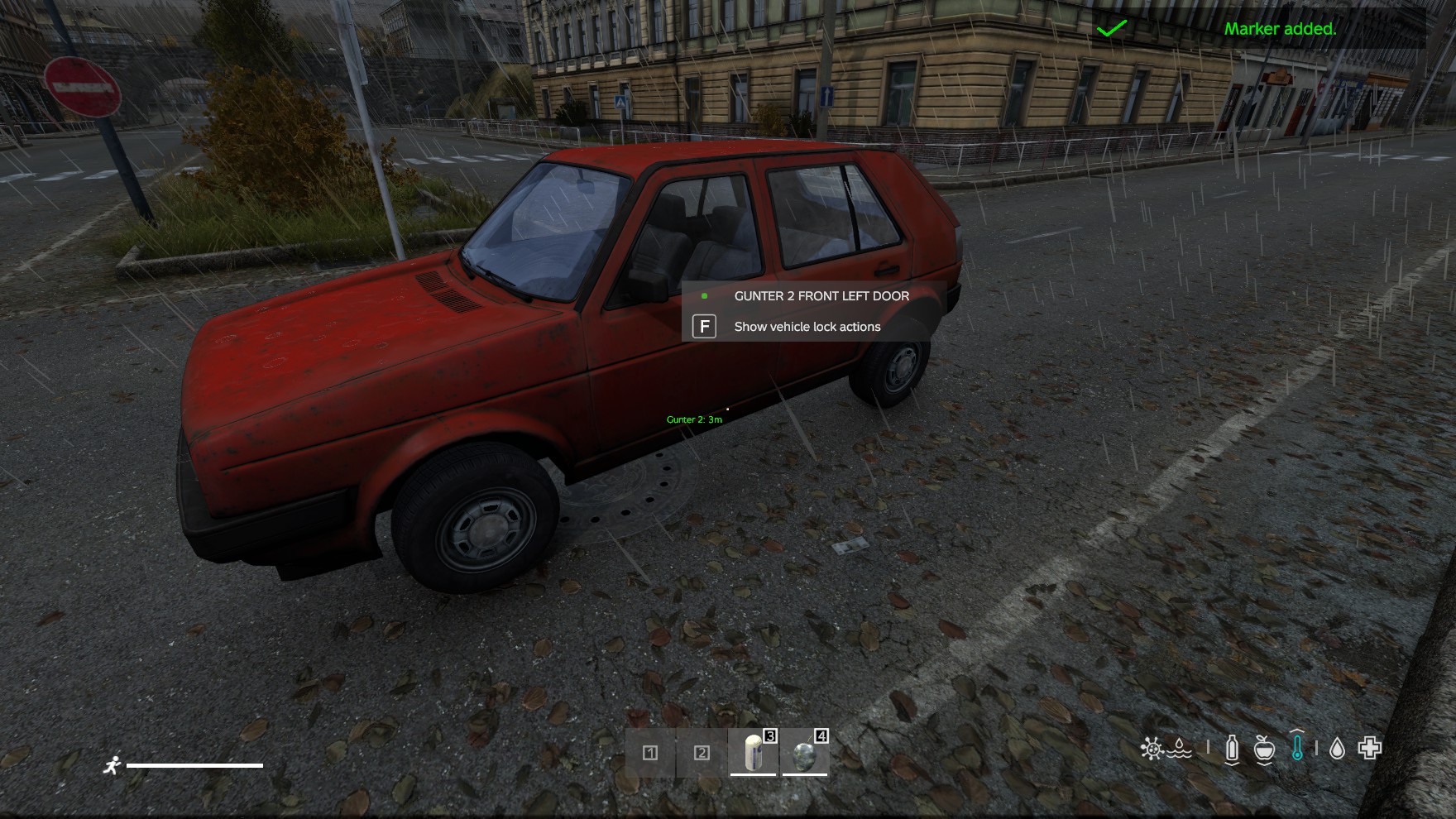
- Owners and key holders can toggle a personal marker on their vehicle from the context menu, making it easy to find again.
Anti-Theft: Alarms
- Vehicles can be fitted with an alarm system (a purchasable Extension, see below) that goes off on unauthorized entry or tampering.
- Key holders can stop an active alarm instantly.
- A non-key-holder currently driving an alarmed vehicle can attempt to silence it, but only via a timed action.
- Admins can force-stop any alarm instantly.
- Alarm duration and the non-key stop-alarm timer are both server-configurable (10 minutes by default).
Raiding (breaking into a locked vehicle)
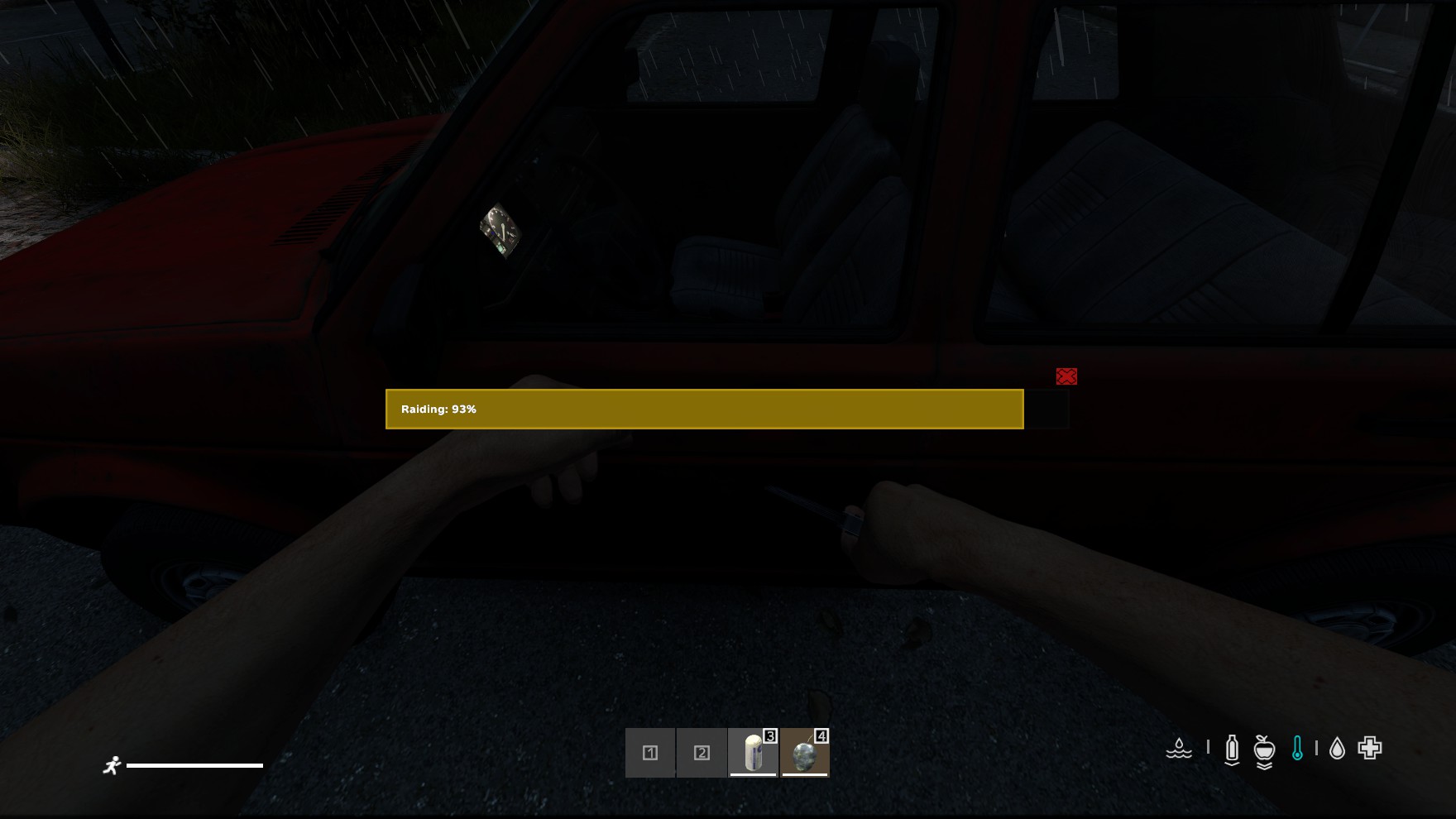
- A raid is started from the vehicle context menu (Break door) by a player without access standing outside the vehicle; a progress bar runs for the raid duration of the tool in hand.
- Server admins can enable/disable raiding entirely, require a specific tool, and set the base time and success chance for a raid.
- Individual raid tools can be configured with their own success chance, damage taken by the tool per attempt, minimum tool condition required, raid duration, and which vehicle types they work on.
- A successful raid unlocks the vehicle and can trigger the vehicle's own Discord raid alert (if the owner has that extension).
Short-Circuiting (alternative disable method)
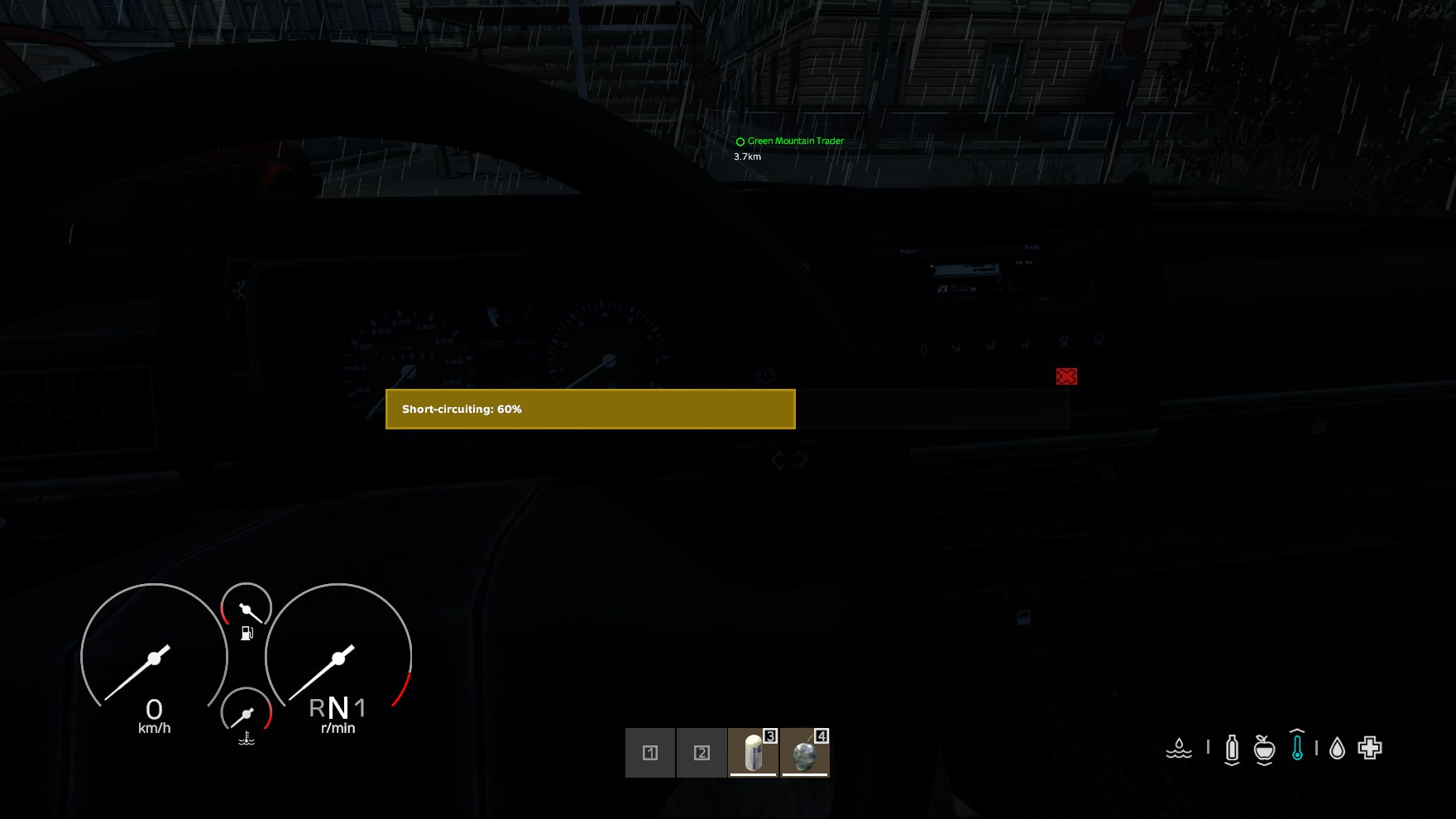
- Independently configurable: enable/disable, tool requirement, time to short-circuit, time to repair, and success chance.
- Short-circuit tools are configured the same way as raid tools (tool type, chance, tool damage, minimum condition, duration, allowed vehicle types).
- Any player driving an eligible, unlocked vehicle can attempt to short-circuit it; the current driver can repair a short-circuited vehicle via a timed action.
- Admins can force-repair a short circuit on any vehicle.
- A successful short-circuit can trigger the vehicle's own Discord short-circuit alert.
Vehicle Pack / Unpack
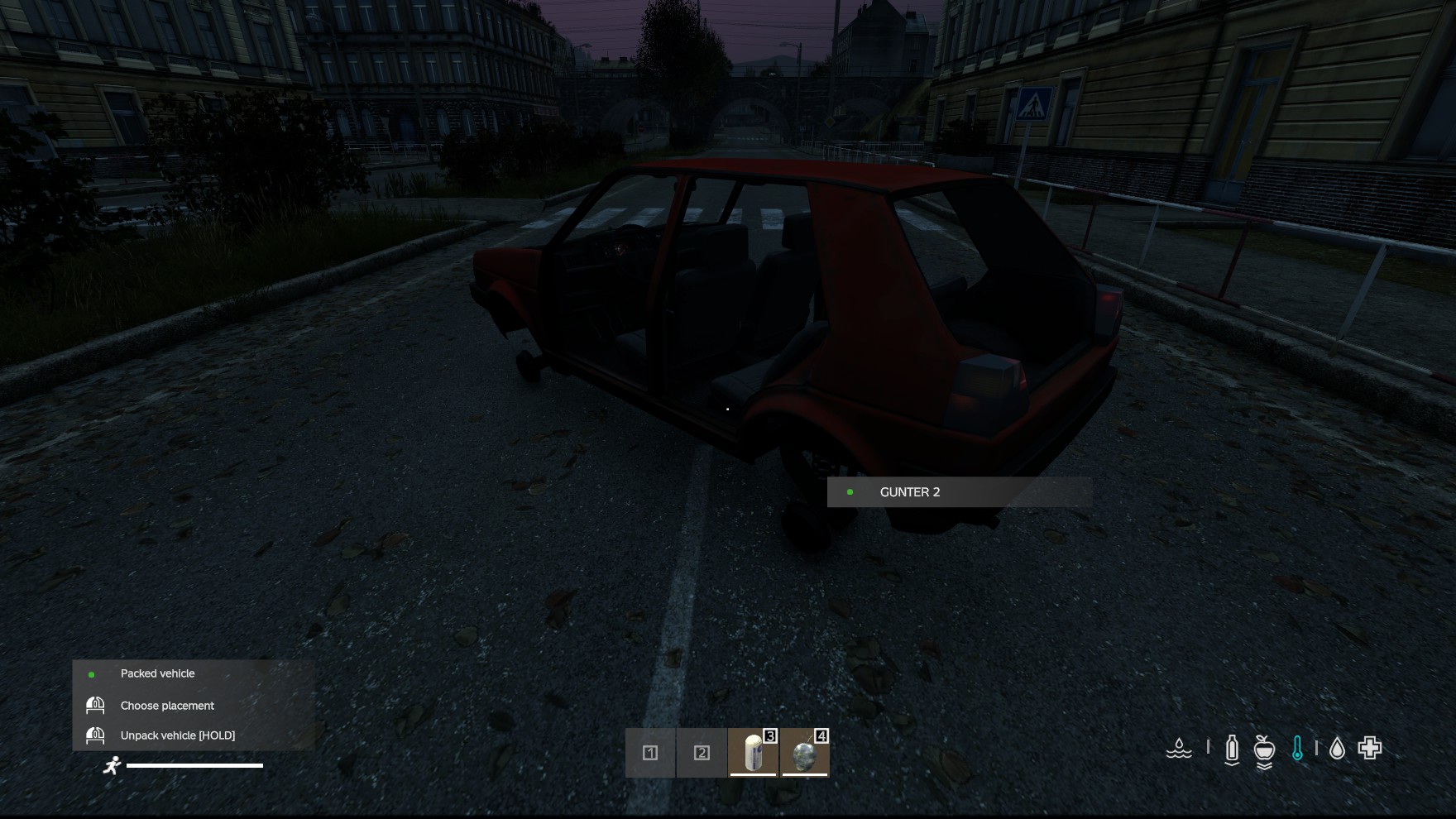
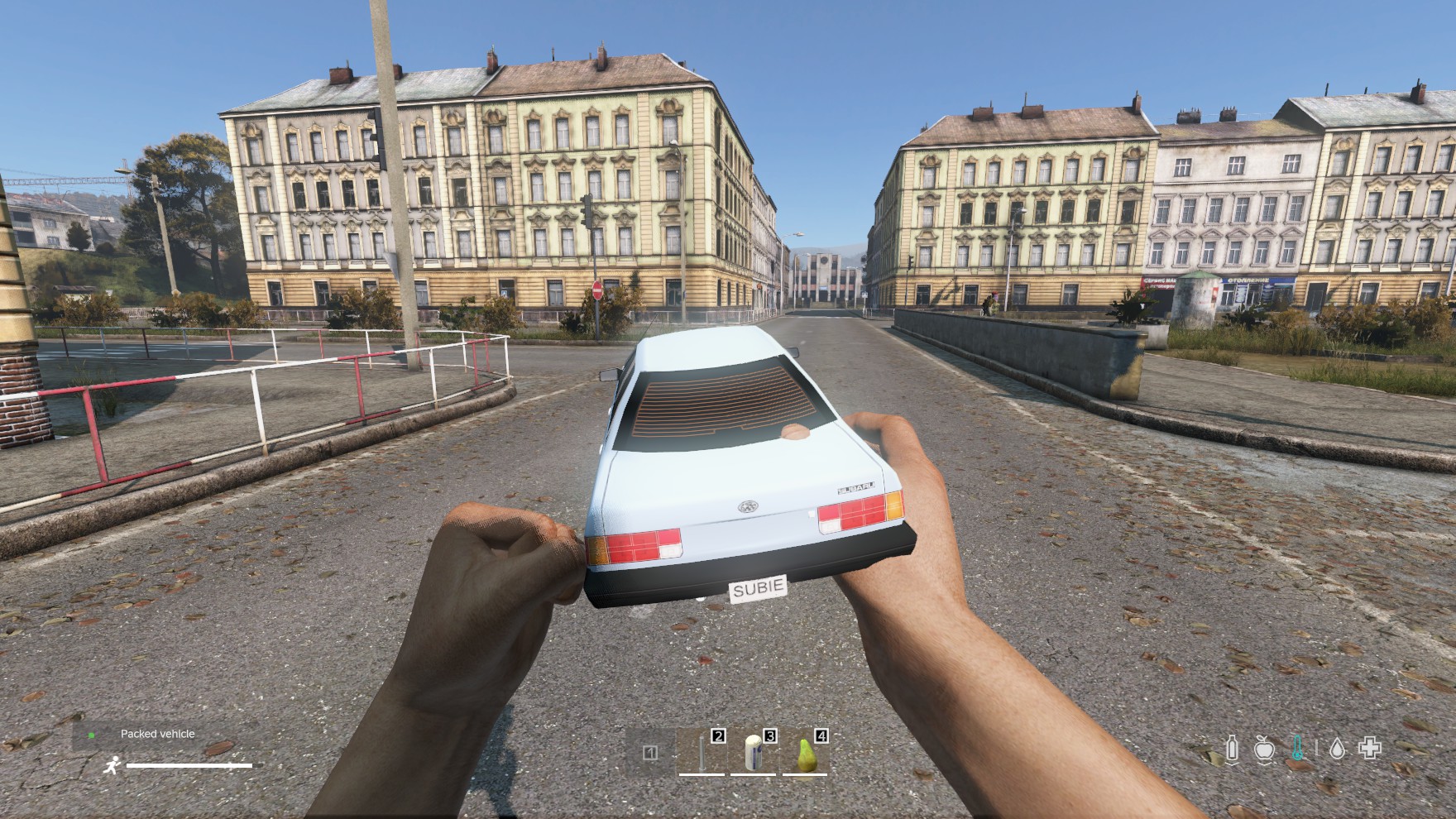
- A vehicle can be packed into a portable, storable item and later unpacked/deployed back into the world with its data (owner, keys, extensions, etc.) intact.
- Packing requires the Pack Vehicle extension to be bought and enabled on that vehicle (see Extensions below) — without it, packing is not available at all, even if packing is otherwise enabled server-wide.
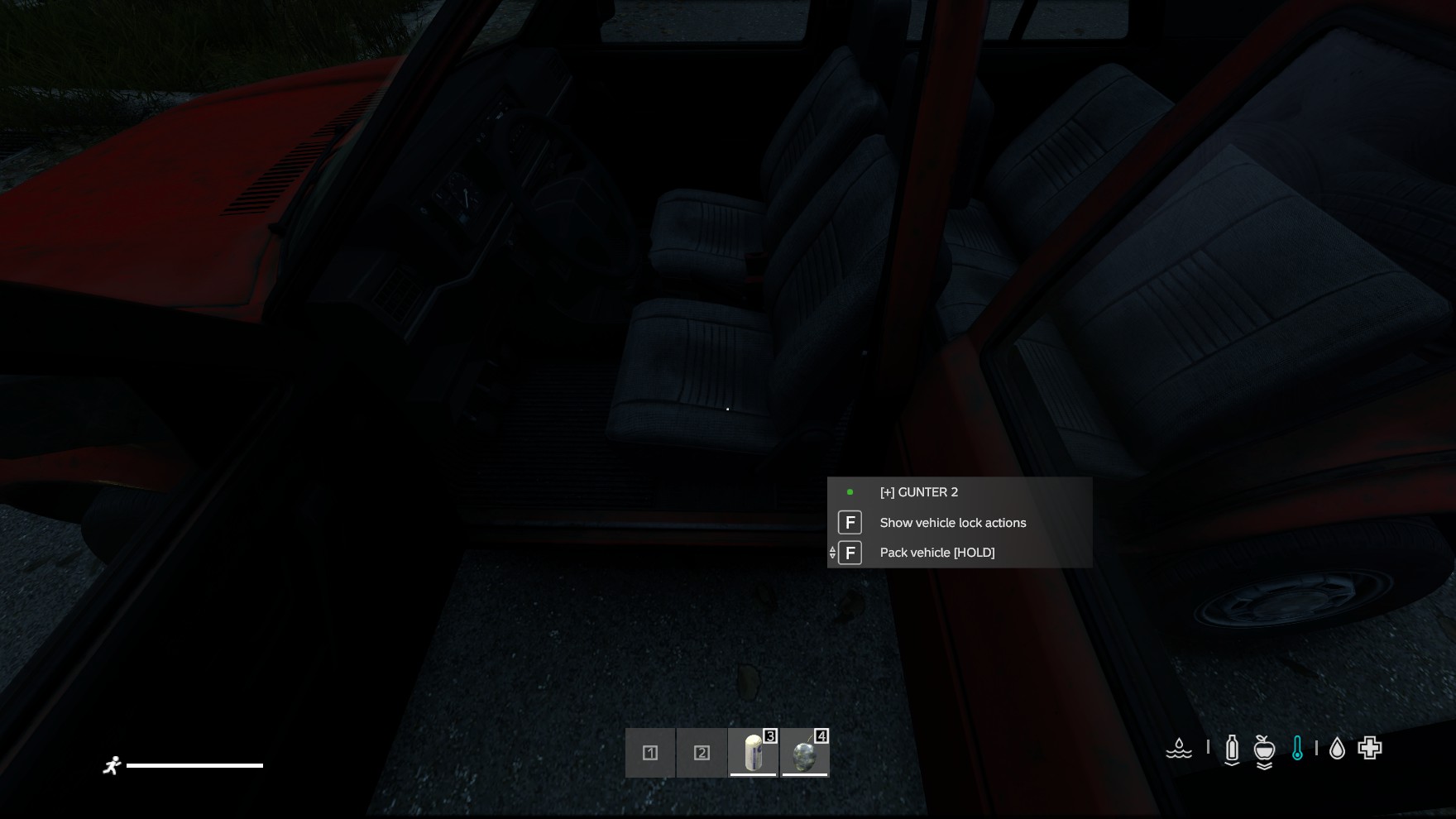
- Packing is started from the vehicle context menu (Pack vehicle) by any key holder standing outside the vehicle; a progress bar runs for the configured pack duration and the vehicle is packed into the player's inventory when it completes.
- Packing can also be disabled server-wide, and pack/unpack each have their own configurable duration.
- A vehicle can't be packed while any player is sitting in it; the player trying to pack gets an error message.
- Optionally (on by default), the packing player must have empty hands; otherwise they get an error message.
- Optionally, packing can require the vehicle's cargo to be empty (including cargo of attached containers); otherwise the player gets an error and the vehicle isn't packed.
- Admins can define blacklist zones (e.g. around bases or trader areas) where unpacking is blocked.
- A packed vehicle can also be thrown like a grenade. When it lands, the thrower gets a progress bar (same one as packing) for its own configurable duration (
throwUnpackTimeInSeconds) and must stand still until it completes; the vehicle is then unpacked where the package lies, facing the direction the player is looking. Cancelling the bar or moving aborts it; after that the package is just a normal item again, so moving it no longer triggers a cancel message. If anyone picks the package up, puts it into a container or places it somewhere else in the meantime, the process is cancelled and the thrower gets a message. Blacklist zones still apply. Can be disabled viacanUnpackByThrowing(on by default).
Extensions (purchasable vehicle upgrades)
- Vehicles support a generic, in-game-currency-based upgrade system. Each extension has its own price and currency, and prices can be overridden per vehicle type (e.g. trucks cost more than cars). An extension can also be disabled entirely for specific vehicle types (e.g. no Pack Vehicle extension for boats), in which case it's hidden from the menu and can't be bought for that vehicle even via a direct request.
- Four extensions ship with the mod:
- Alarm System — enables the anti-theft alarm described above.
- Discord Raid Alert — notifies the owner's own Discord webhook when their vehicle is raided.
- Discord Short-Circuit Alert — notifies the owner's own Discord webhook when their vehicle is short-circuited.
- Pack Vehicle — required before the owner can pack that vehicle into a storable item at all.
- From the car menu, the owner can buy any configured extension, then toggle it on/off. Discord-alert extensions additionally let the owner set their own webhook URL and a custom alert message, plus send a test alert to confirm it works.
- All four extensions, including Alarm System, are available on boats. Boats have no native horn, so a boat alarm flashes its lights and plays a horn sound audible within 100 meters instead.
- Motorbikes (DayZ 1.30+) are supported like cars: they can be owned, locked, keyed, raided, short-circuited and packed, and all four extensions are available. A locked motorbike can't be mounted, picked up (stood back up) or have its seat opened, and only key holders can start its engine (unless short-circuited). A motorbike alarm uses its horn and flashes its lights.
Per-Vehicle Discord Alerts
- Separate from the server-wide admin logging below: if an owner has bought and enabled a Discord alert extension and set a webhook, raid and short-circuit attempts on their vehicle are posted straight to their own Discord channel — a personal theft notification, not an admin log.
Integration with TBCarDealer / TBSecondHandMarket
- Both trading mods normally let whoever last drove a vehicle sell/trade it.
- When TBVehicleLockSystem is installed alongside either mod, that fallback is overridden: only the vehicle's TBVLS-registered owner can sell/trade it — the last driver alone is no longer enough.
- TBCarDealer checks this directly (
TBVLSVehicleHelper.IsOwner, compiled in only when TBVehicleLockSystem is present). TBSecondHandMarket gets the same behavior automatically through TBLib's shared vehicle-finder helper, which applies the identical ownership check whenever TBVehicleLockSystem is loaded — no TBSecondHandMarket-specific code needed. - Both integrations are optional: neither mod declares TBVehicleLockSystem as a hard dependency, so the last-driver fallback still applies if it isn't installed.
Admin Logging & Discord Reporting
A server-wide audit log covers every significant action in the mod:
- Buying an extension
- Raid attempts, short-circuit attempts, and short-circuit repairs
- Alarms being triggered and stopped
- Claiming ownership of a vehicle, transferring ownership, and admin deletion of an owner
- Saving key access (tracked separately depending on whether an admin or the owner made the change)
- Enabling/disabling group access
- Packing and unpacking a vehicle
Every one of these log types can be toggled independently for file logging and for Discord reporting — an admin can, for example, keep local logs for everything but only forward raid/alarm activity to Discord.
Events are grouped into four Discord channels, each with its own configurable webhook:
| Channel | Covers |
|---|---|
| General | Extension purchases |
| Raid Actions | Raids, short-circuits, repairs, alarms on/off |
| Admin | Admin owner deletion, admin key-access changes |
| Key | Player-driven ownership, key access, group access, pack/unpack, and claiming a vehicle |
This system is purely for server admins/auditing — it has no in-game UI and is configured entirely through server config files.
Ratings and reviews
Finde es Super mit dem VehicleLockSystem, ohne das man schlüssel verliert sehr pratisch.
Was ich nur schade finde, wenn man neues auto kauf in DynamicTrader bzw selbe auto kauft, hat man schlüssel immer gleiche.
English
I think the VehicleLockSystem is brilliant – it’s really handy as you don’t lose your keys.
The only thing I find a bit of a shame is that when you buy a new car from DynamicTrader, or even the same car, you always end up with the same keys.